
See the work.
Understand the possibilities.
Films about how you work with drawings, quantities and project information in Stiimo.
Films.
Short walkthroughs in the real interface. Pick the step you want to see, then continue in your own project.
 0:35
0:35Learn About Stiimo
A short introduction to Stiimo from Joel at Stiimo.
 2:38
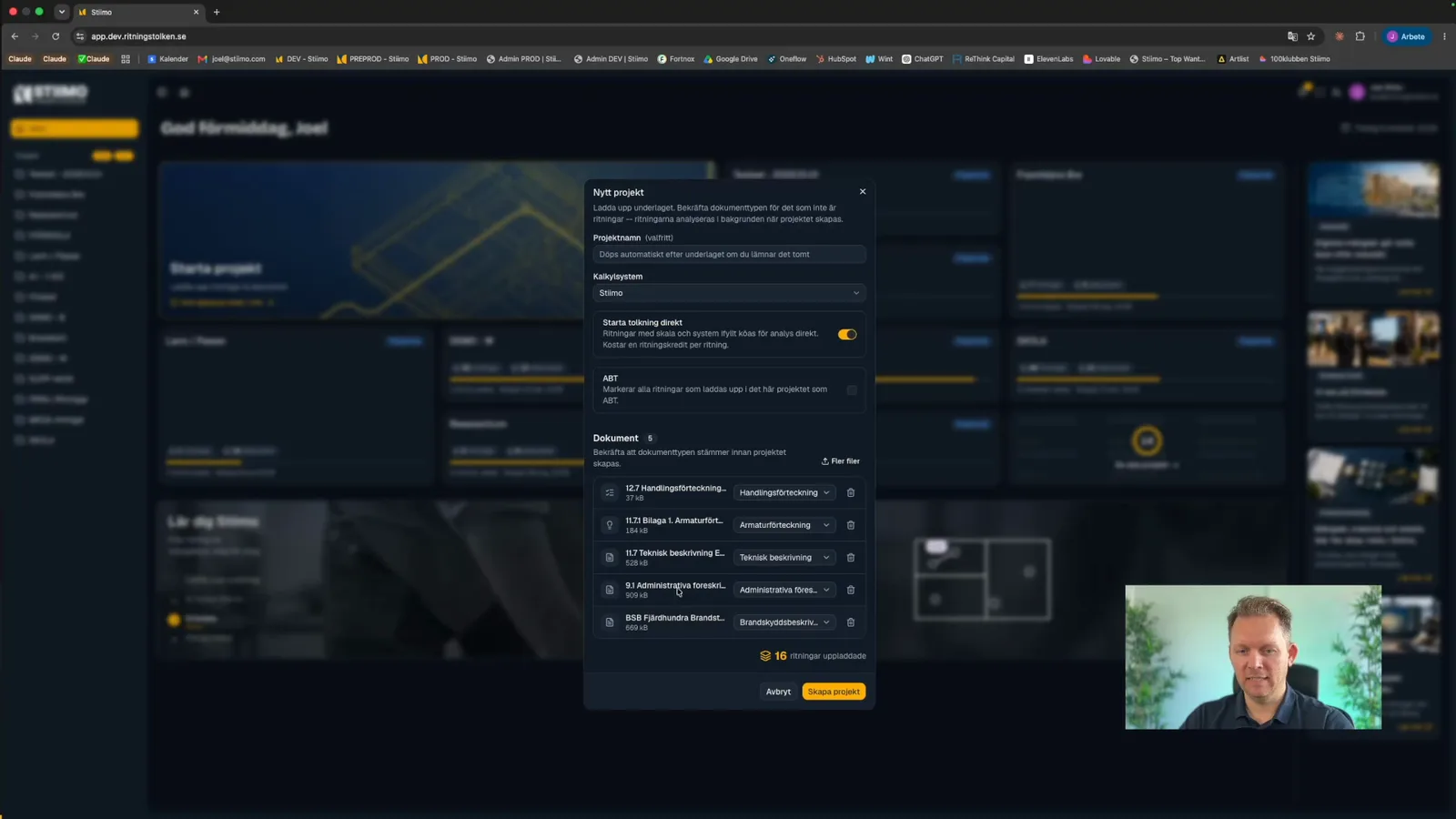
2:38Start a New Project
How to create a project, upload drawings and documents and start the interpretation.
 1:25
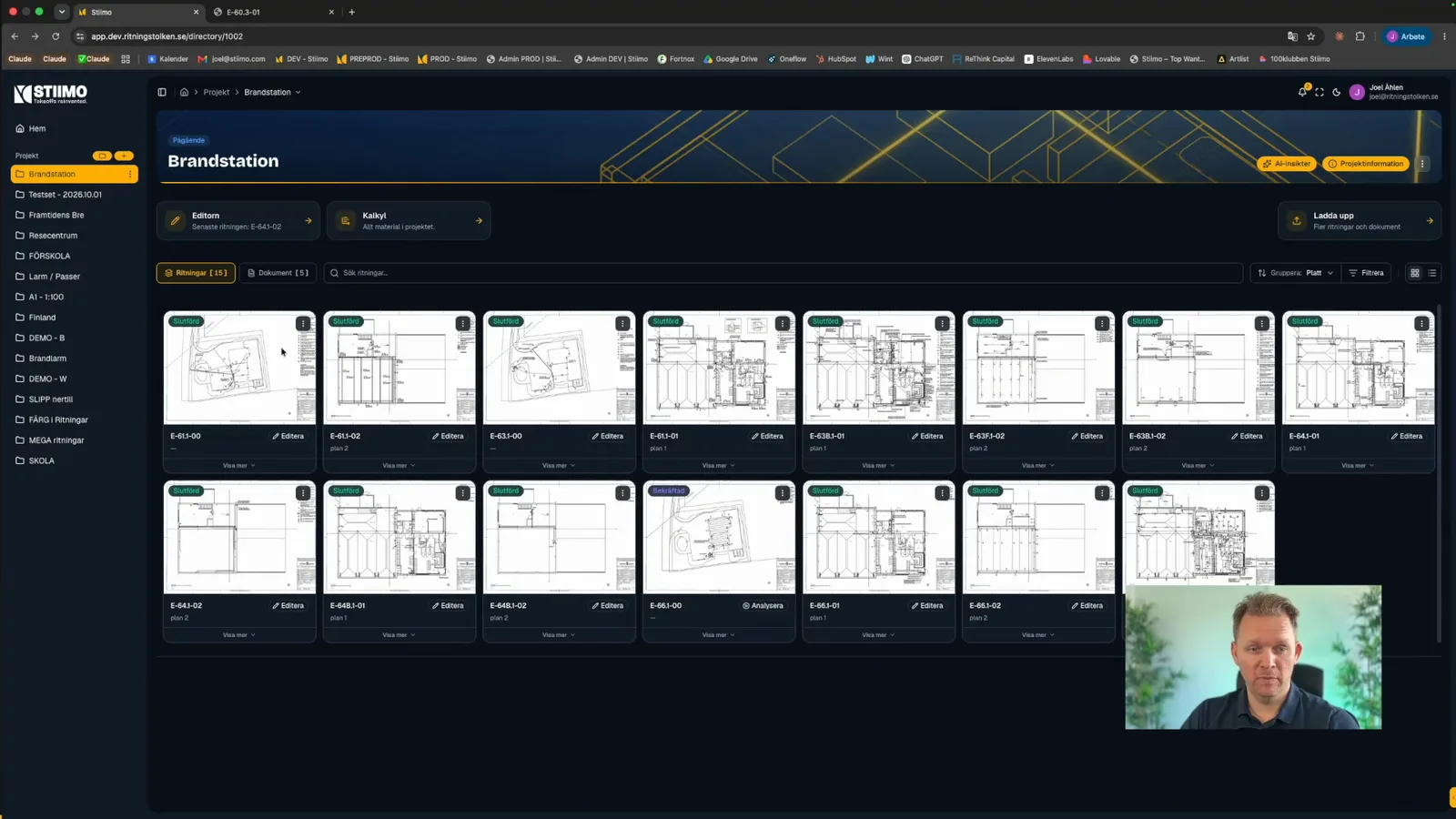
1:25The Project Page
Where you find the drawings and documents in your project, and how to search, group and switch between list and image view.
 1:06
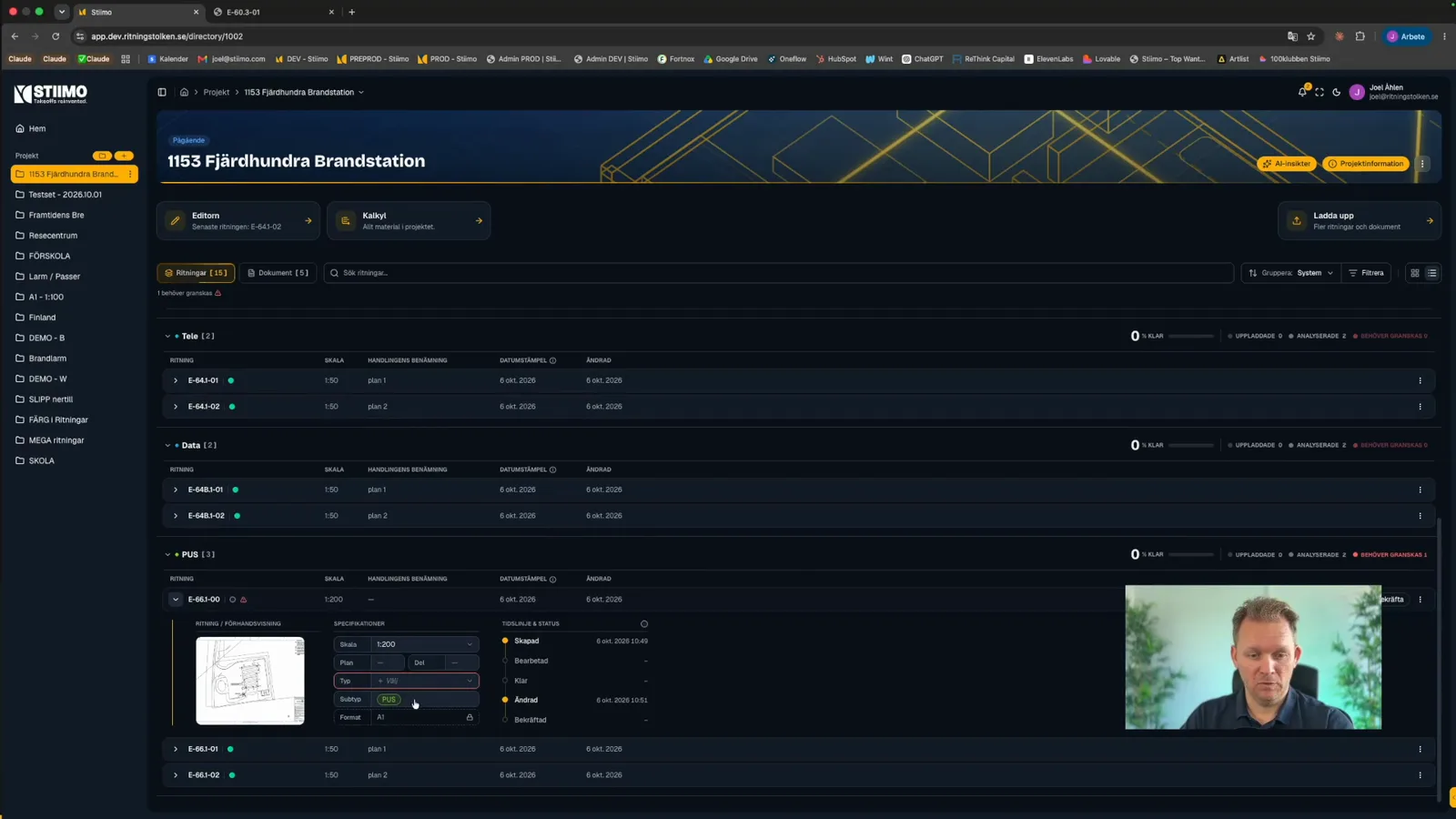
1:06Confirm Drawings
How to go through the drawing details, such as scale and system, and confirm them before you continue.
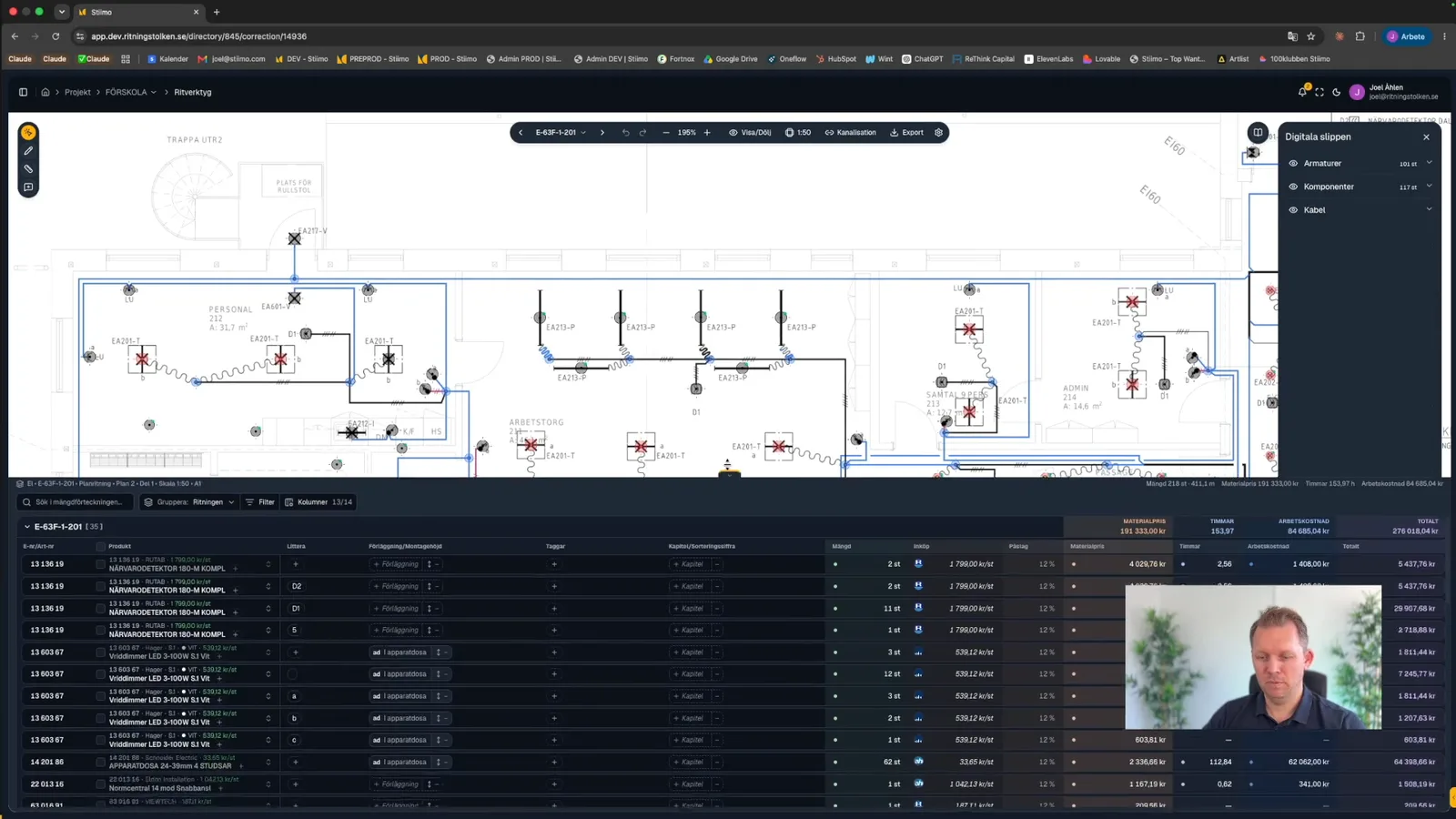 2:40
2:40The Editor
An introduction to the editor: the drawing, the panel with digital quantities, the quantity list below the drawing and the project documents alongside.
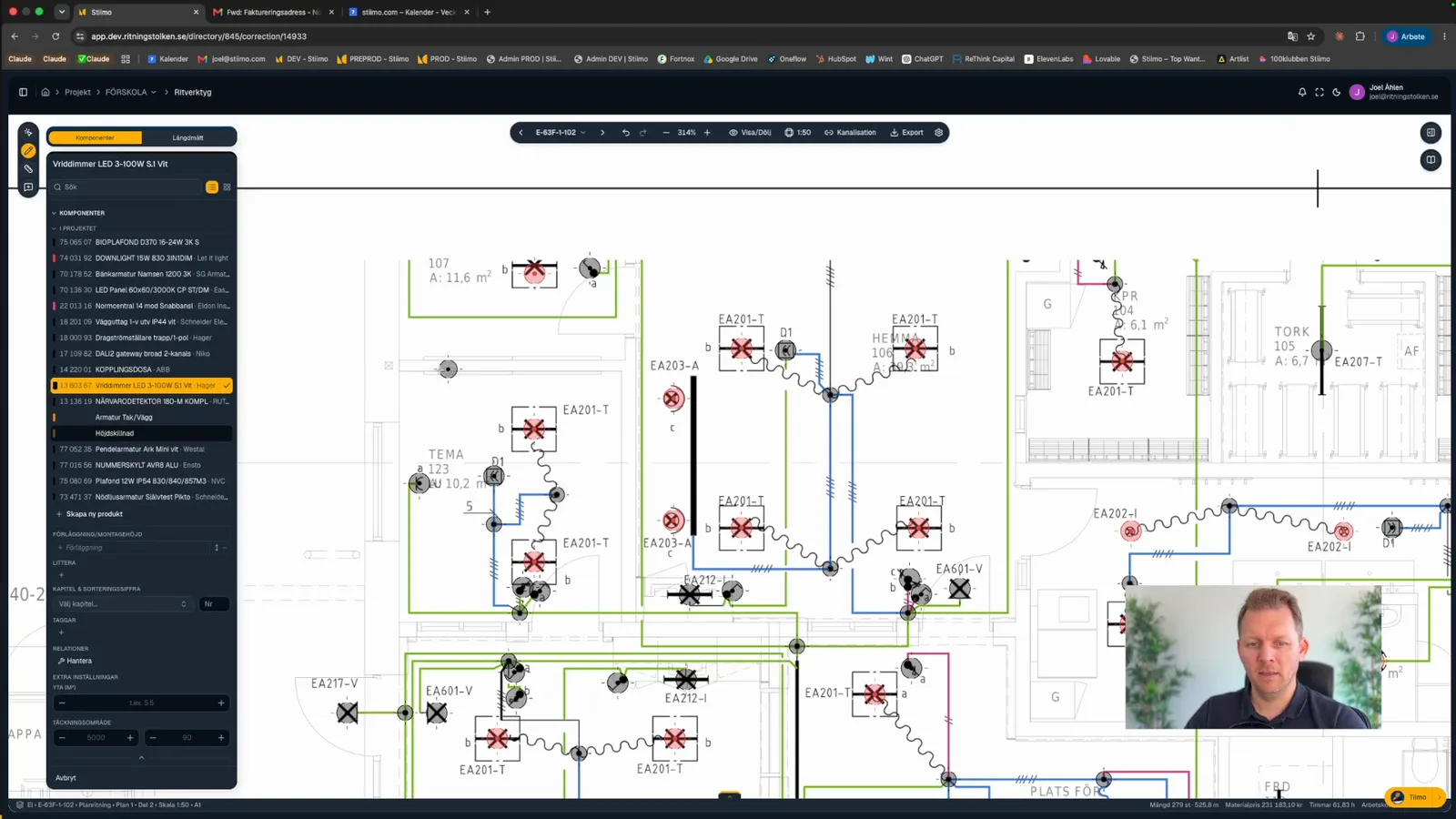 1:38
1:38Drawing Tool
How to use the drawing tool in the editor and link products to what you mark on the drawing.
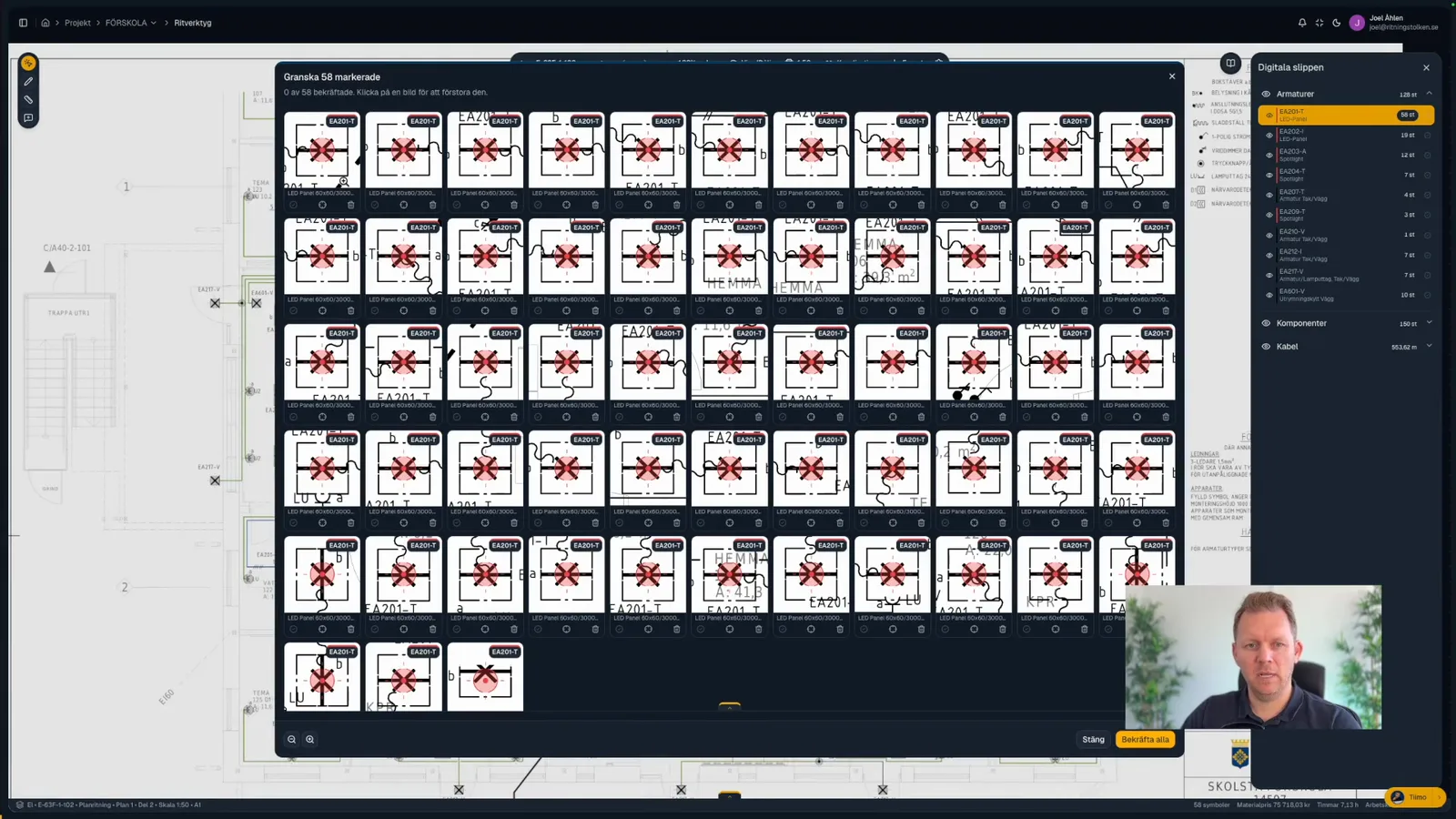 1:32
1:32Review Components
How to review marked components in one combined view and correct anything that is wrong.
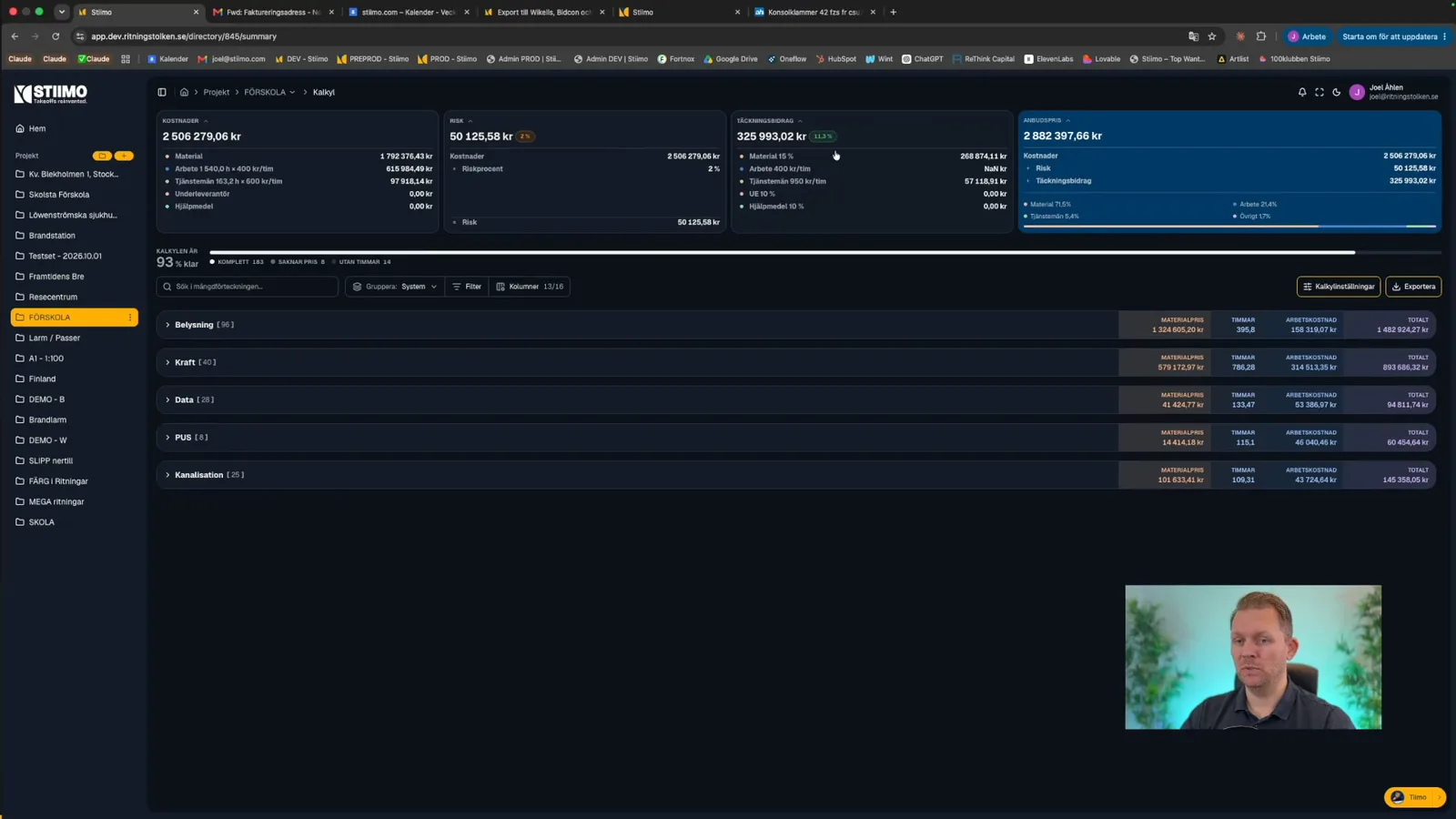 3:02
3:02The Estimate Page
How to read the estimate page: the summary at the top, the estimate grouped by system, and how to filter and open the rows.